Braip App v2
Your sales in the palm of your hand.
The app sellers open to see how much they sold, how much they can withdraw and where every order stands.
- Problem
- The old app lagged behind the new design system and left sellers without a quick answer to their three daily questions — how much did I sell, how much can I withdraw, what happened to this order.
- What I did
- I redesigned the core flows on Braip Components, with loading, empty and error states on every screen, Light/Dark parity and the motion for the opening, biometrics and bottom sheets.
- Outcome
- Flows approved in the team's review cycle and ready for store launch, with App Store and Google Play artwork delivered alongside.

 02
02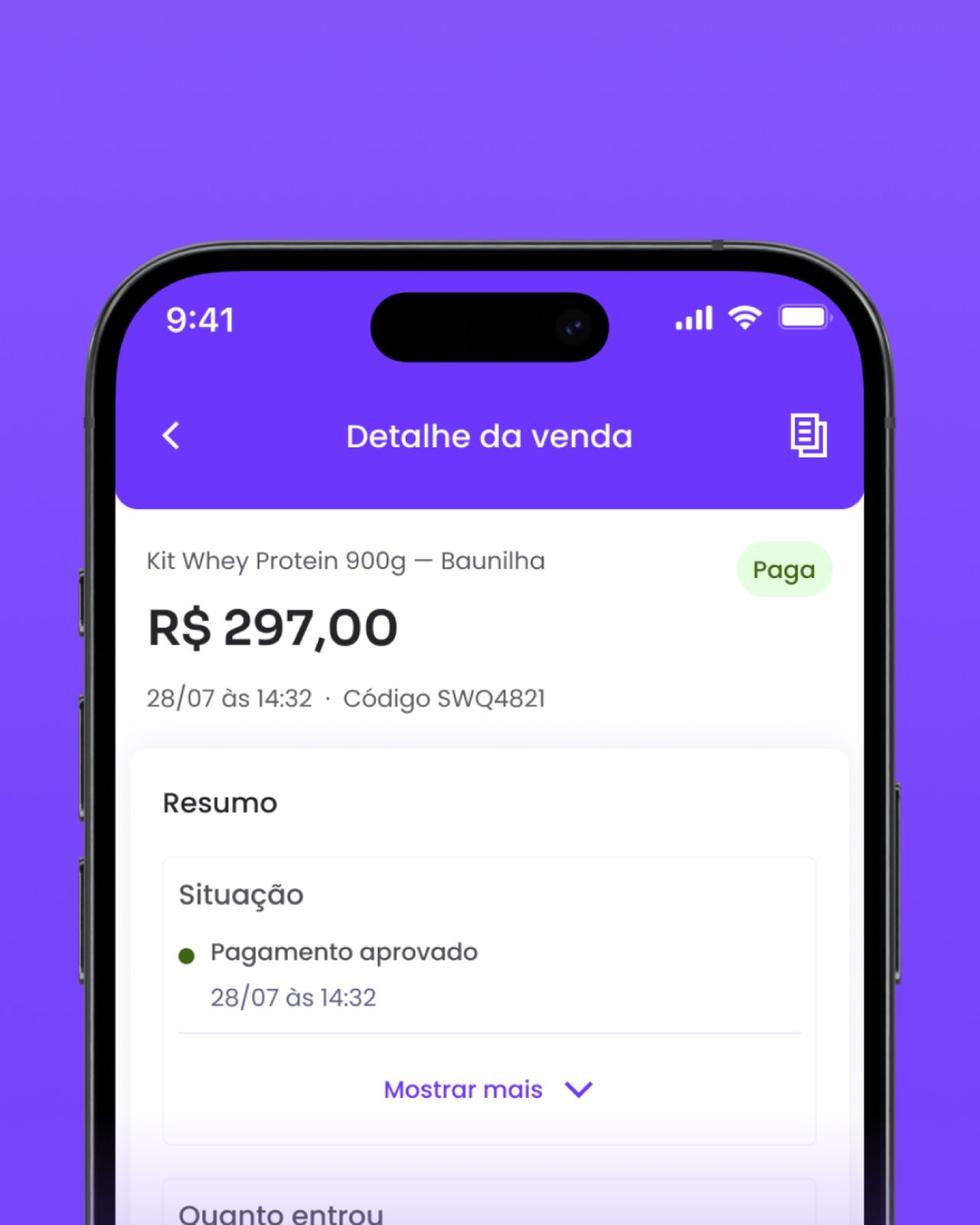 03
03 04
04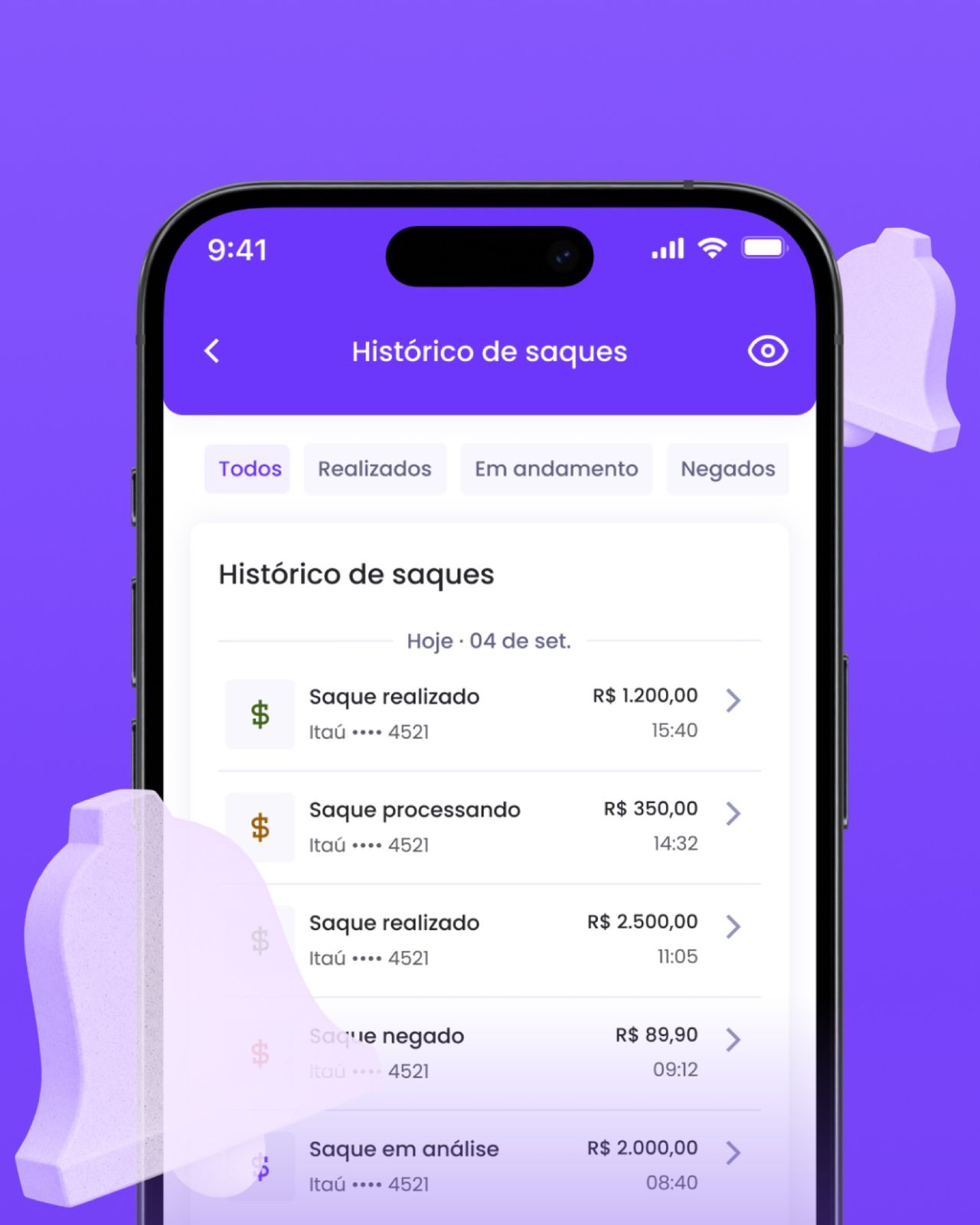 05
05 06
06
Full processContext, decisions and evidence, for those who want the detail.
The problem
Braip sellers open the app with three questions: how much did I sell, how much can I withdraw, and what happened to this order. The previous version answered all three, but on screens disconnected from the new design system and without the states nobody draws — loading, empty, declined.

What I designed
Every flow was built from Braip Components, never loose screens, and went through Light and Dark before review.
- Home with balance, shortcuts and the day's or month's sales summary.
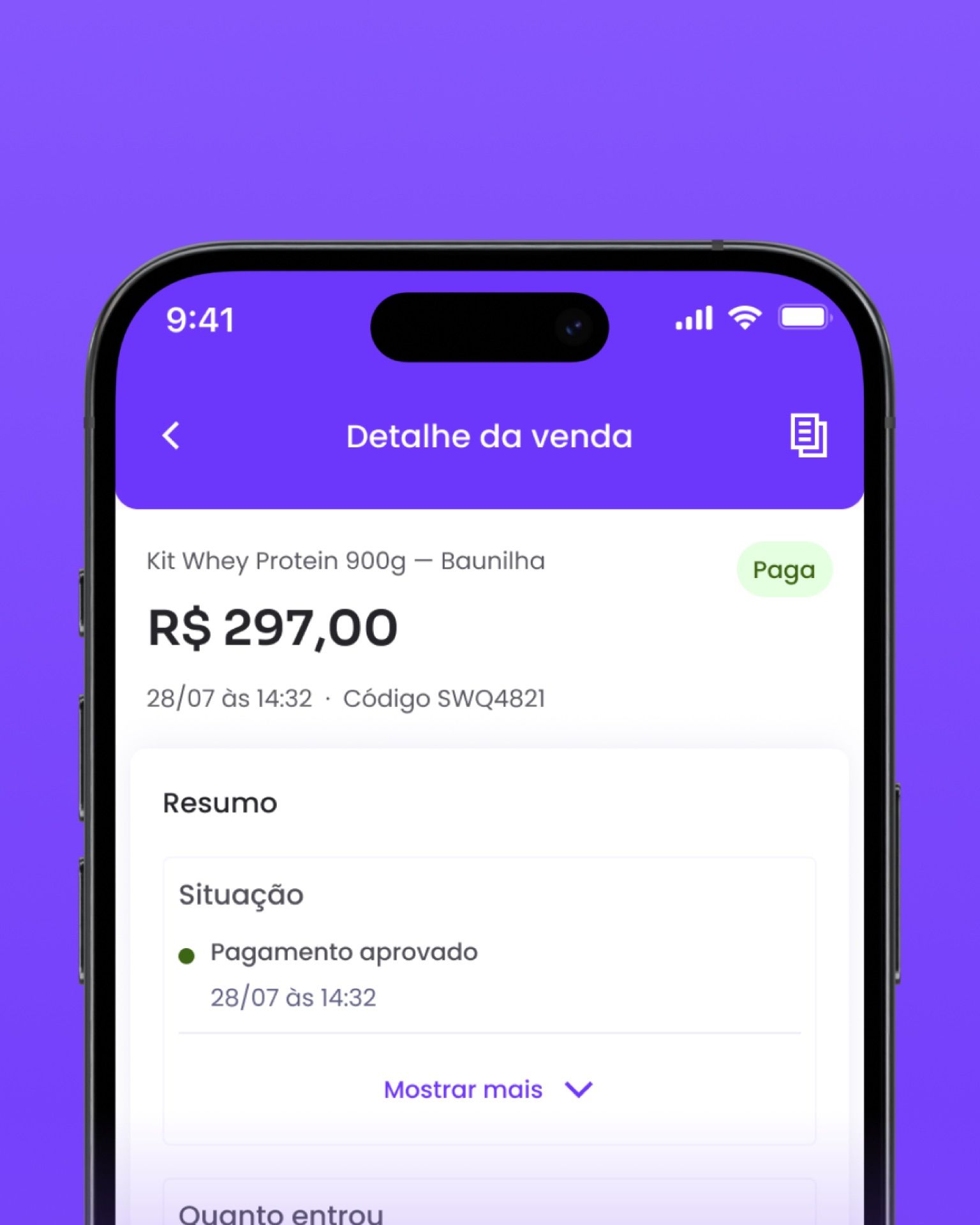
- Sales and sale detail, from paid to declined, with the shipping sheet sliding up from below.
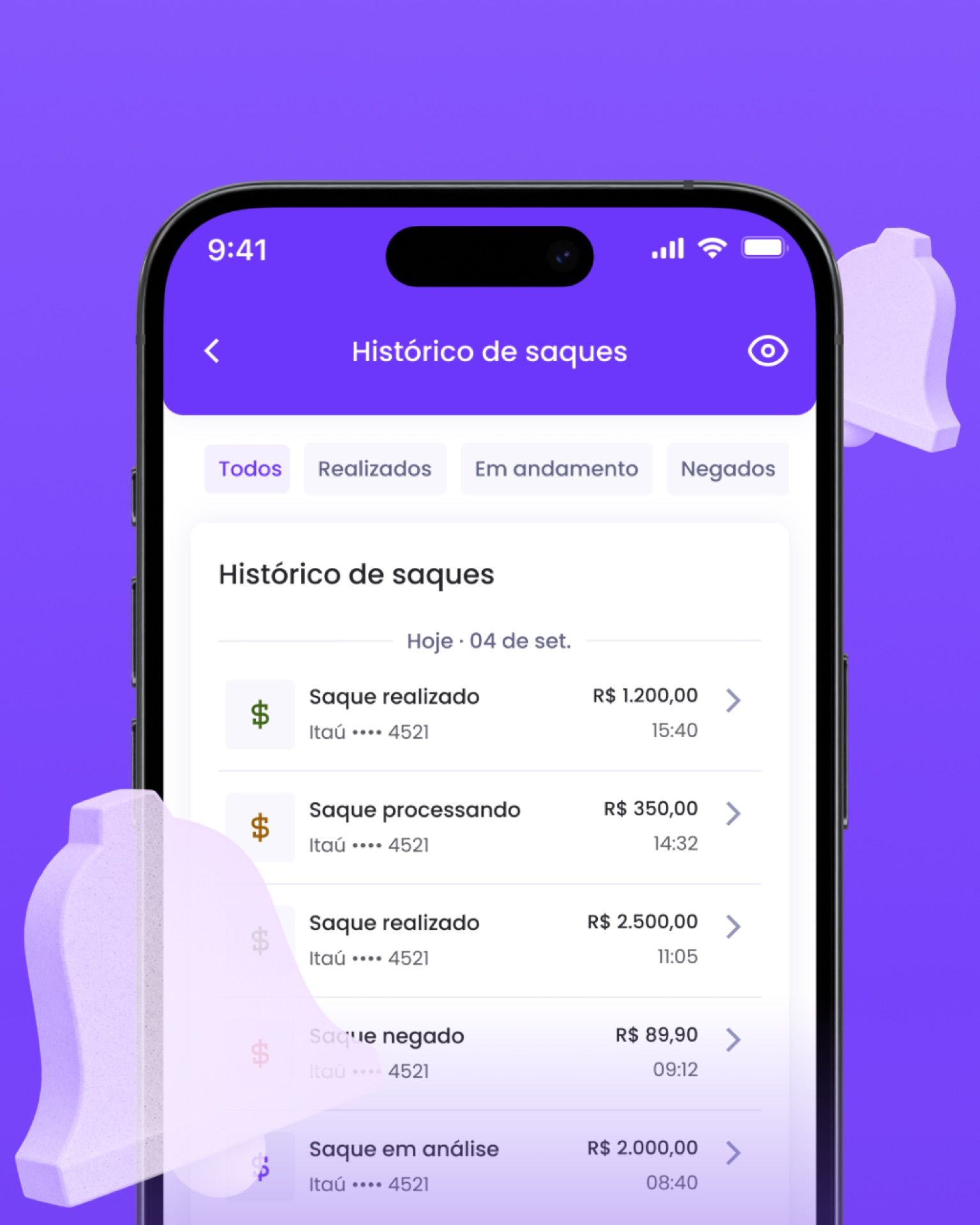
- Withdrawals and history, with each status (processing, done, denied) visible without opening the item.
- Biometrics at sign-in, with the opening padlock as the transition.



Motion
The motion isn't decoration: it explains where the screen came from. The shipping sheet enters from below on the same curve as every overlay in the app, the balance counts up to its value and the opening padlock dissolves before the home appears. Curves and durations come from the design system's motion tokens, not per-screen tweaks.
Outcome
Flows approved in the team's review cycle and ready for launch, with the store artwork delivered alongside. Usage metrics belong to the product team — they aren't mine to publish.
Outcomes are qualitative: I'm not cleared to publish these projects' metrics.
 Next →Braip Design SystemFrom library to system.